
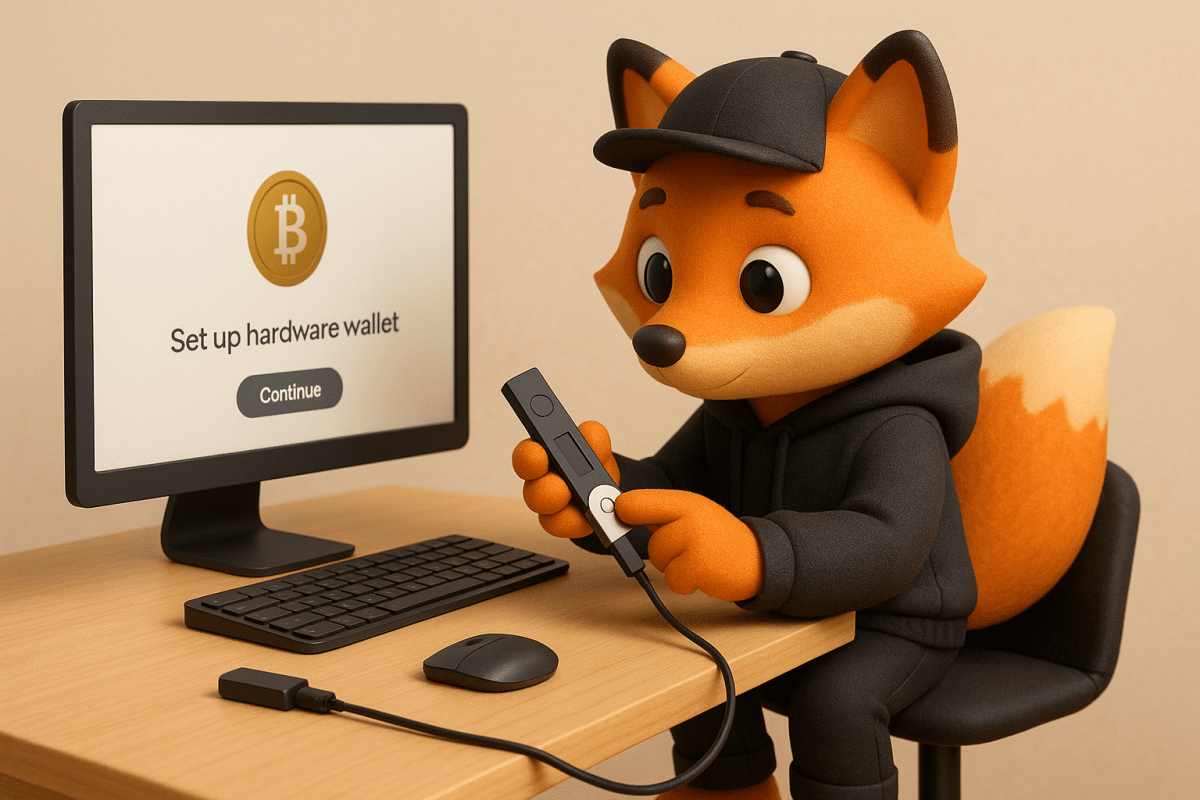
Introduction: Why a Secure Crypto Wallet Is Essential
Starting your journey into blockchain and cryptocurrency can be both exciting and overwhelming. One of the most important steps in this process is learning how to set up a secure crypto wallet. Your wallet is not just a digital container for your crypto—it’s your personal interface with the decentralized world of Web3. Whether you’re looking to invest, trade, or explore decentralized applications (dApps), a secure wallet is the foundation of your Web3 experience.
Types of Crypto Wallets Explained
Before setting up your wallet, it’s crucial to understand the different types available and their pros and cons.
Software Wallets: These are mobile or desktop apps like MetaMask, Trust Wallet, or Exodus. They are free, easy to use, and support a wide range of cryptocurrencies. However, since they are connected to the internet, they are more vulnerable to malware, phishing attacks, and hacking.
How to Choose the Right Wallet for Your Needs
Choosing the right wallet depends on your goals. If you want maximum long-term security, a hardware wallet is the best choice. If you plan on making frequent small transactions, a software wallet might be more convenient.
Top hardware wallet picks include:
– Ledger Nano X: Bluetooth-enabled, supports multiple crypto assets.
– Ledger Nano S Plus: Affordable and beginner-friendly.
– Ledger Flex: Compact and portable, ideal for users on the go.
Where and How to Buy a Hardware Wallet Safely
Always purchase hardware wallets from the manufacturer’s official website or authorized retailers. Avoid third-party sellers that might deliver compromised or tampered devices. Upon delivery, check for signs of tampering like broken seals or unusual packaging.
Initial Setup with Ledger Live
Download the Ledger Live app from the official site to begin setup. This app allows you to configure your device, install crypto apps, and monitor your assets. During setup, your wallet will generate a 24-word seed phrase—this is your master key.
Write the phrase on paper or engrave it on metal.
Never store it digitally or take photos.
Verify that the phrase was copied correctly before proceeding.
Backup Strategy and Seed Phrase Security
A strong backup plan is non-negotiable in crypto. Store your seed phrase in a fireproof safe or use a metal backup plate. Avoid any digital or cloud-based storage. For even stronger protection, consider techniques like Shamir’s Secret Sharing, which splits your phrase into multiple recoverable parts.
Testing Recovery and Enabling Extra Security
Install Crypto Apps and Test Transactions
Ongoing Security Maintenance
Keep your device firmware and Ledger Live app up to date. Always connect your device via USB and avoid using Bluetooth unless necessary. Be cautious of phishing scams—Ledger’s official domains end in “.com”. Never share your seed phrase, even if prompted.
Using Hot Wallets for Day-to-Day Use
Getting Started with Trading on Bybit
Ongoing Education and Community Involvement
Security is a continuous journey. Stay informed about common scams, test your recovery strategy regularly, and engage with trusted crypto communities. Wallet security advice.
Can a hardware wallet be hacked remotely?
No. Hardware wallets store private keys offline. However, you must verify updates and avoid unknown USB connections.
What if I lose my device?
You can recover access using your seed phrase on a new compatible device.
Should I save my seed phrase digitally?
Never. Digital storage is unsafe. Use only offline, physical storage methods.
“Guess what? When you click and buy via our links, you’re not just enhancing your experience—you‘re also supporting our content creation for free, so we can keep sharing useful blockchain insights. It‘s a pump for both of us!”
— Sofi